Settings
Settings is where you manage the app's connections and configuration. It is organised into five tabs.
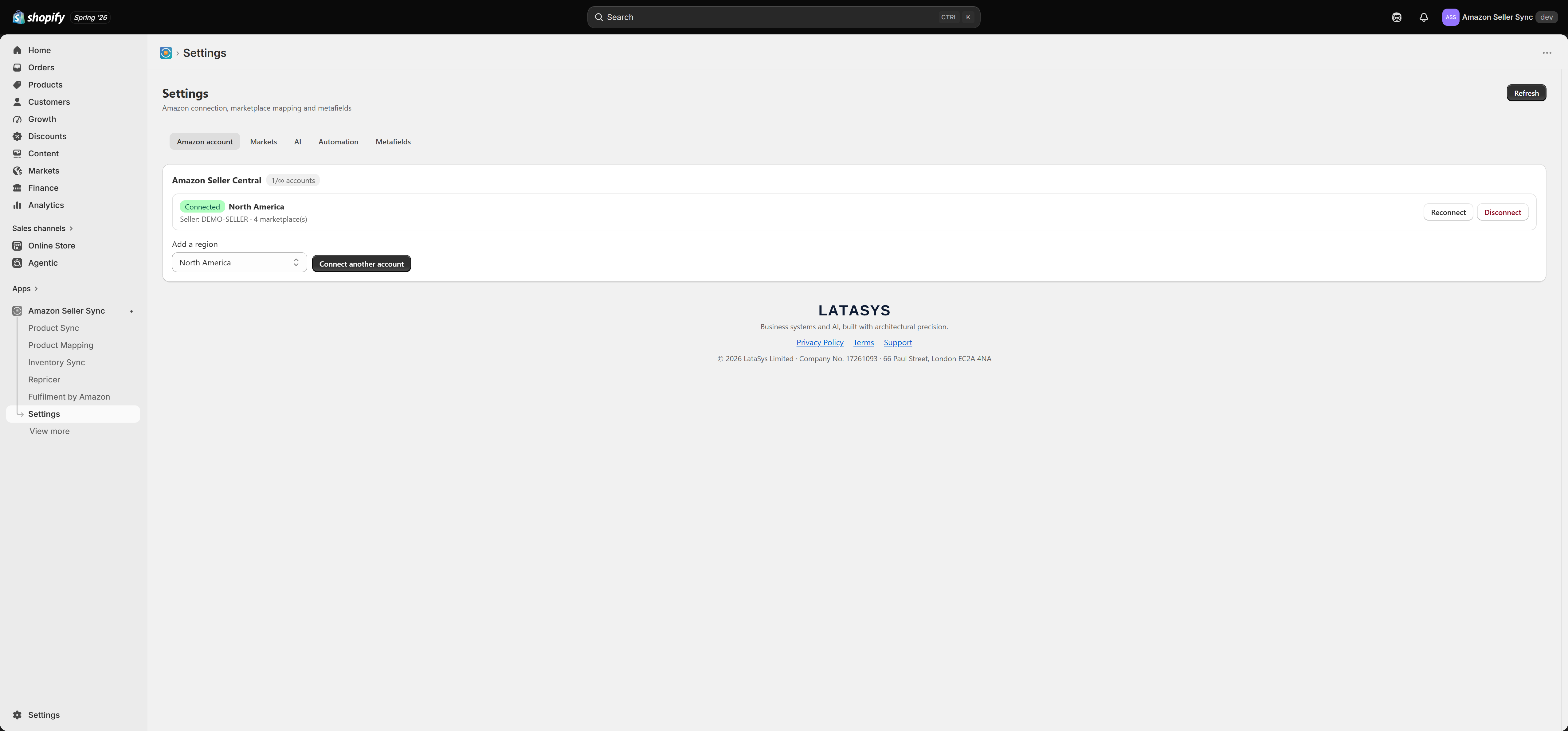
Amazon account
Manage your Amazon Seller Central connection here. Each connected account shows its region, seller ID, and the number of authorised marketplaces, with Reconnect and Disconnect actions.
- Add a region / Connect another account — connect an additional Amazon account (for example a North America account and a European account). The number of accounts you can connect is set by your plan; the badge shows how many you are using.
- Reconnect — re-authorise an existing account, for example if its Amazon authorisation has expired.
- Disconnect — remove an account.
Markets
Map your Shopify markets to Amazon marketplaces:
- Default (home) marketplace — used for automated price sync and the home price. Every plan can set this.
- Per-market overrides — map an individual Shopify market to a specific Amazon marketplace for localised storefront prices. The number of overrides you can set is defined by your plan.
On the Free plan, only the default marketplace can be set — the per-market override selectors are disabled. Upgrade to map individual Shopify markets to different Amazon marketplaces. When you are on a paid plan, the selectors enable up to your plan's limit.
AI
Configure the AI used for content generation (translation, spell-check, SEO). You can use the app's bundled AI within your plan's monthly allowance, or bring your own provider key (Anthropic, OpenAI, or Google) to bypass the allowance and be billed by your provider directly. Keys are stored encrypted and are never shown again after you save them.
Automation
Control background behaviour — how often scheduled price syncs and listing syncs run, and related automation. The available sync frequency depends on your plan (and any faster sync add-on on the Full plan).
Metafields
The app stores Amazon data (such as prices and Buy Box URLs) in Shopify metafields so your theme and other tools can read them. This tab lets you ensure the metafield definitions exist, and remove them if you ever need to clean up.
SKU and UPC (barcode) are edited on Shopify's own product page, not in the app, so they remain the single source of truth. The app reads them for mapping and matching.